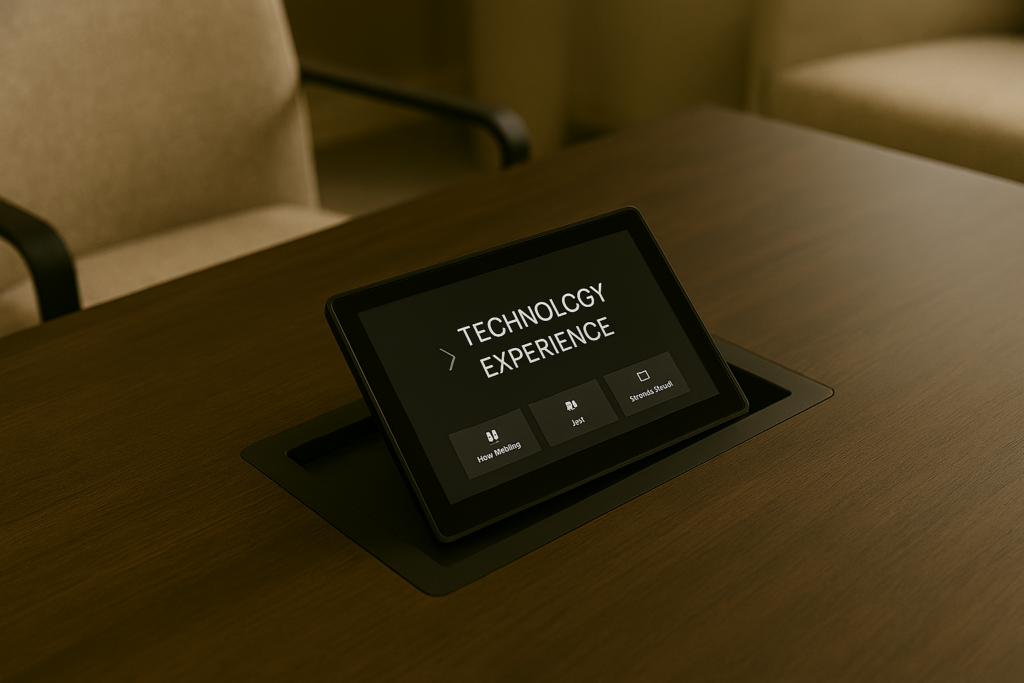
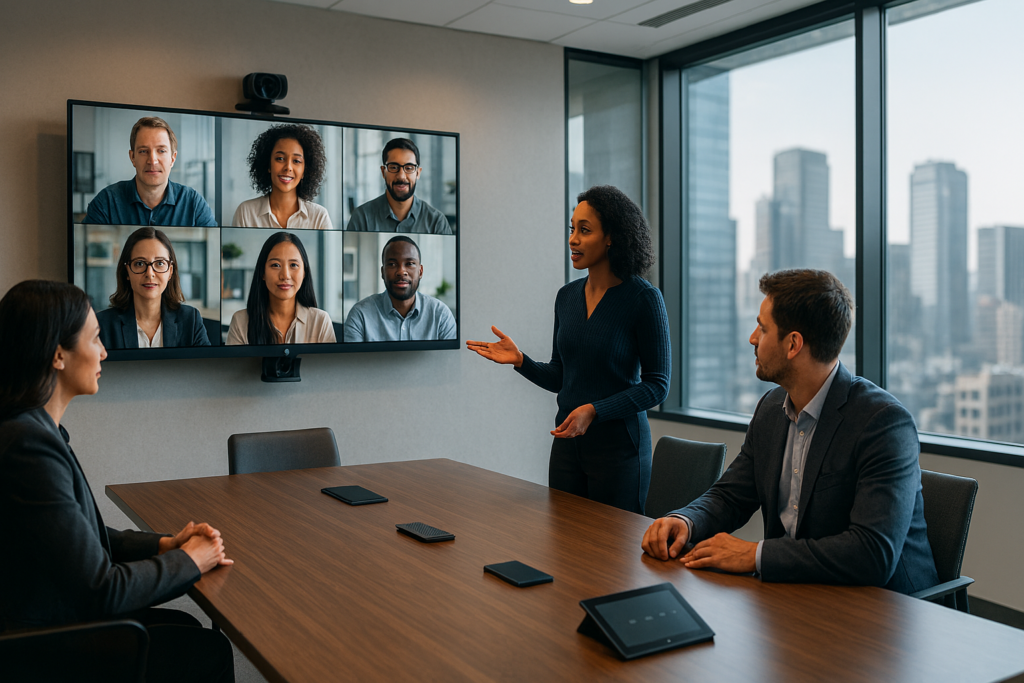
As organizations continue to refine hybrid work strategies, the focus is shifting from remote enablement to in-office collaboration excellence. The modern workplace is no longer just a destination—it is a carefully designed environment where technology, space, and people converge to create seamless collaboration experiences.
Building on the principles of a core hybrid technology stack, collaboration rooms represent the front line of user experience. When designed correctly, these spaces remove friction, support every meeting style, and ultimately make technology invisible. Just as importantly, they should feel welcoming and comfortable—especially in spaces designed for longer working sessions, workshops, or extended collaboration blocks where a formal conference-table setup alone may not create the right environment.
Purpose: Going Deeper on In-Office Enablement
The role of the office has evolved. It is no longer about individual productivity alone—it is about connection, co-creation, and innovation. Collaboration rooms must:
- Enable equitable participation between in-room and remote attendees
- Support a wide range of meeting scenarios
- Reduce cognitive load by simplifying interaction with technology
- Encourage both planned and spontaneous collaboration
- Create inviting environments that support longer, more interactive sessions—not just traditional seated meetings
In this context, technology is not the centerpiece—it is the enabler of human interaction.
Standardizing Room Types
Consistency is critical to adoption. Employees should be able to walk into any space and immediately understand how it works. Standardizing room types provides predictability and scalability across the organization.
1. Focus Rooms
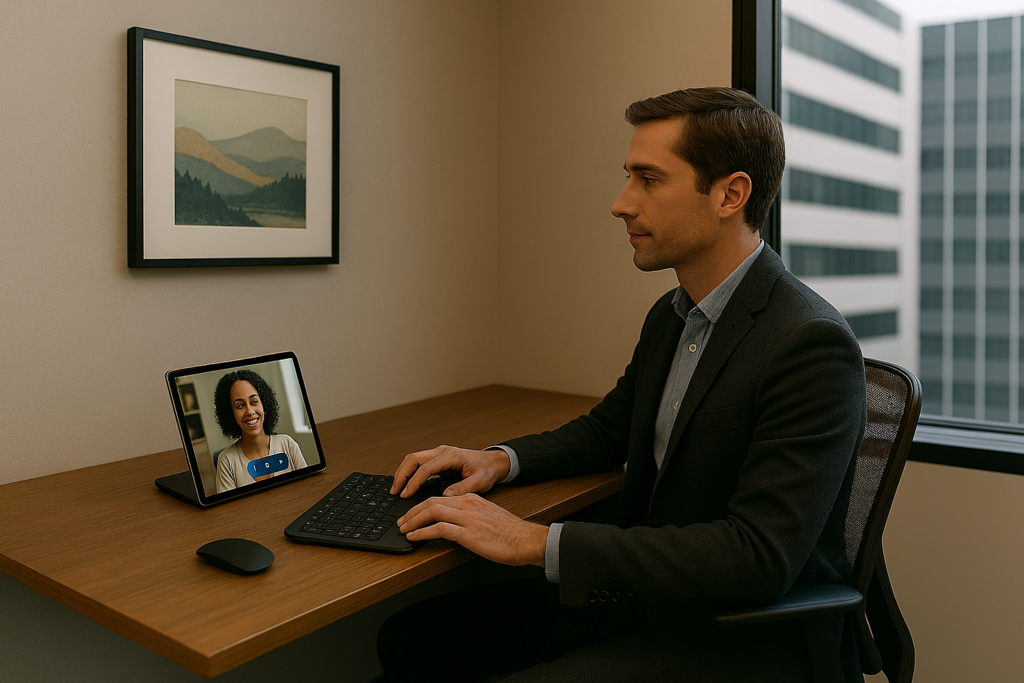
- Designed for individual work or 1:1 meetings
- Minimal technology footprint
- High-quality camera and audio for virtual presence
- Acoustic isolation to prevent distractions
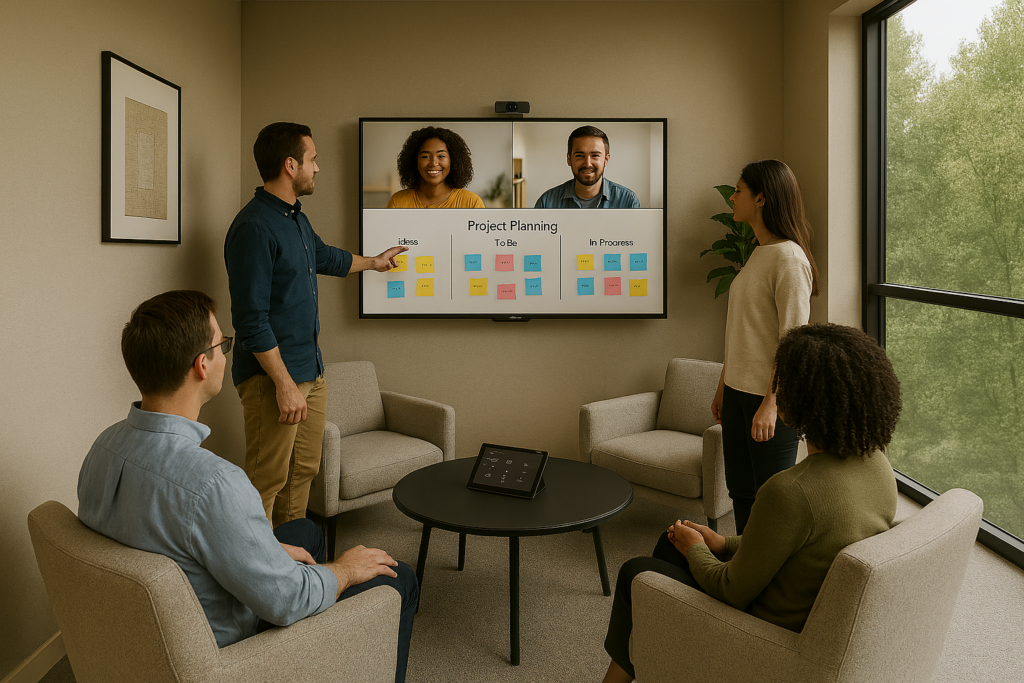
2. Huddle Spaces
- Small group collaboration (2–6 participants)
- Simple display with wireless sharing
- Wide-angle cameras to capture the entire group
- Touch-enabled controls for quick meeting start
- More inviting, flexible furnishings that support longer 2–4 hour working sessions
- A mix of seating options beyond a standard conference table and chairs, such as soft seating, movable tables, and collaboration-friendly surfaces
3. Large Collaboration Rooms
- Built for team meetings, workshops, and presentations
- Multi-camera setups for speaker tracking
- Advanced audio systems with beamforming microphones
- Dual displays for content and participant visibility
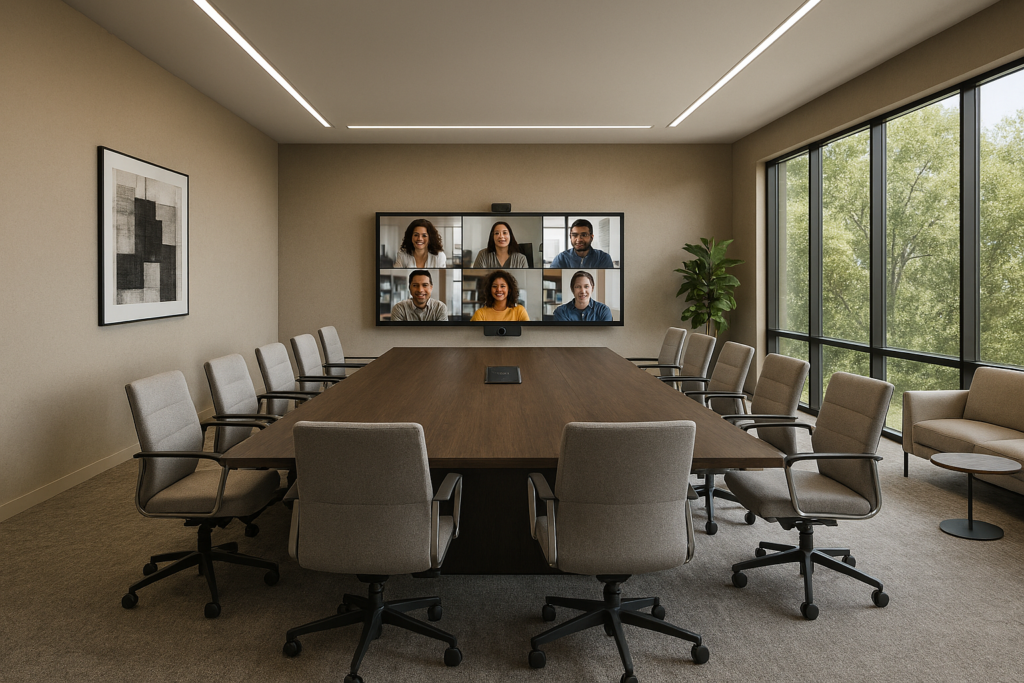
By standardizing these archetypes, organizations ensure a repeatable, intuitive experience that minimizes training and maximizes engagement.
Hardware Considerations
The physical design of a collaboration room directly impacts meeting quality. Effective hardware choices should prioritize clarity, inclusivity, and consistency.
Cameras
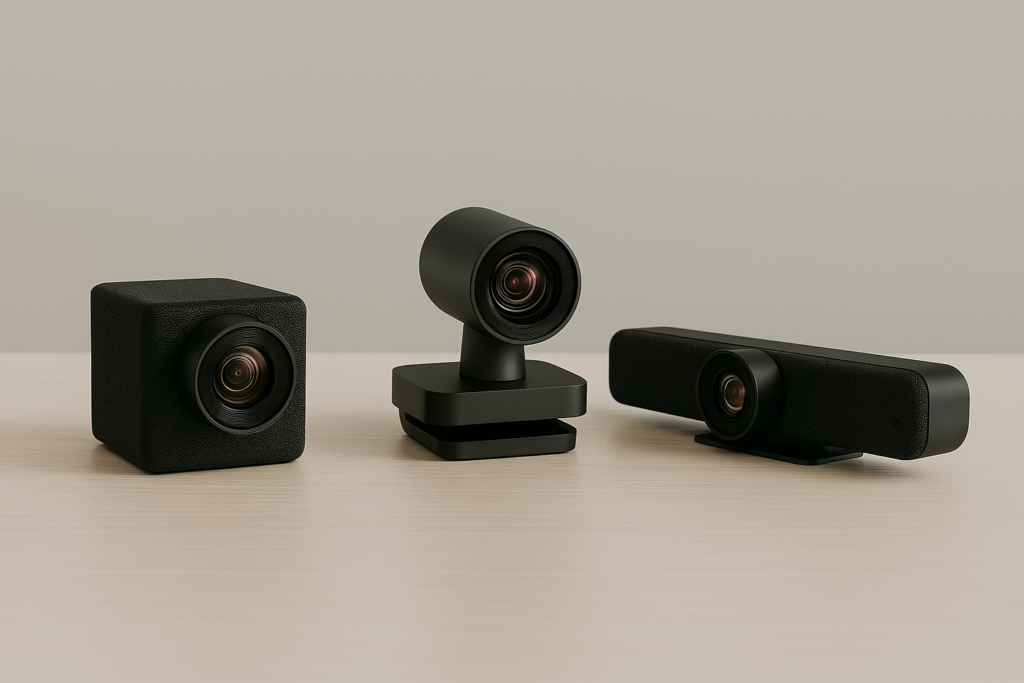
- Intelligent framing and speaker tracking
- Eye-level positioning for natural engagement
- Coverage that avoids blind spots
Room Layouts
- Furniture arranged to maintain clear sightlines
- Display placement that supports equal visibility for remote attendees
- Layouts designed to feel inviting and comfortable for extended 2–4 hour sessions, not just formal meetings
- A mix of seating and surface options that move beyond a single conference table and chairs to support workshops, co-creation, and informal collaboration
- Cable-free or minimal cable environments to reduce complexity
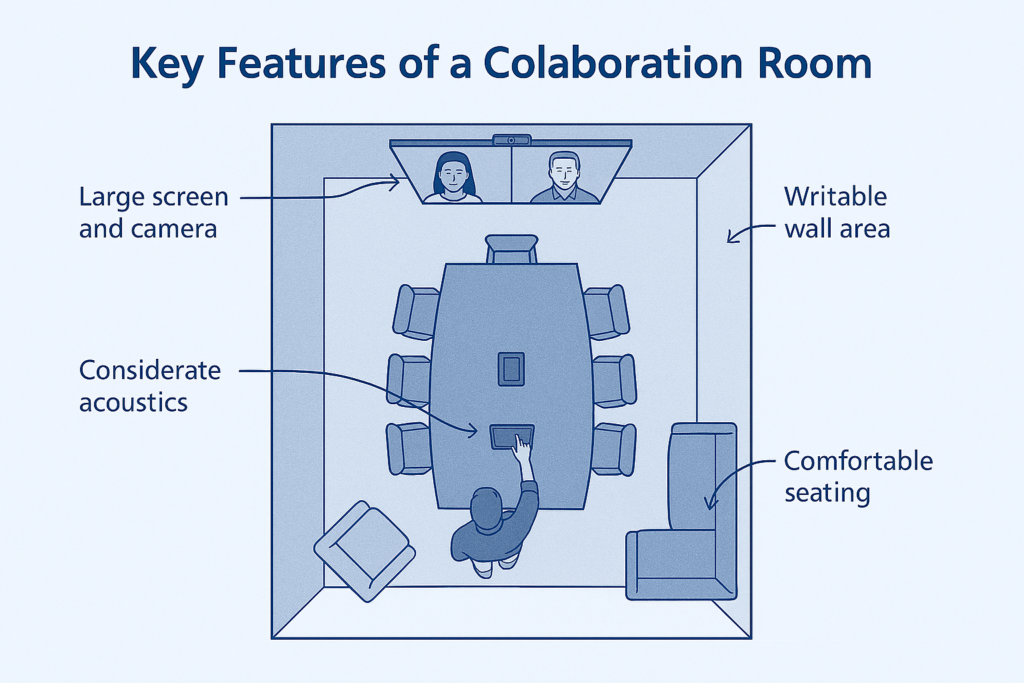
Acoustics
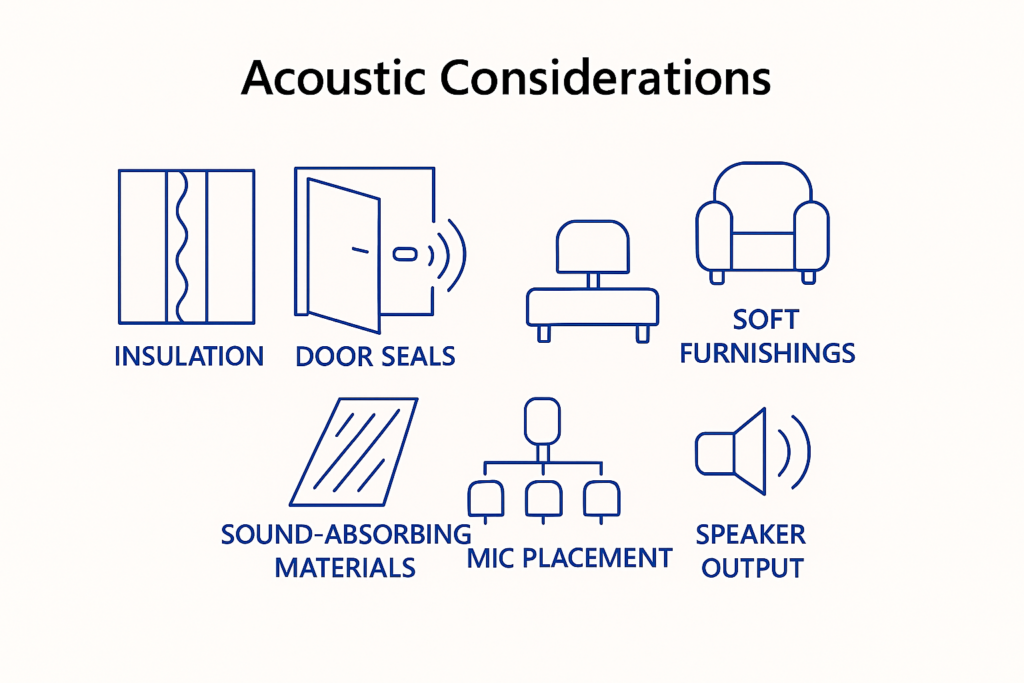
- Sound-absorbing materials to minimize echo and noise
- Microphone placement aligned with seating layouts
- Balanced speaker output for even audio distribution
Thoughtful hardware design ensures participants focus on the conversation—not the technology.
Software Integration & One-Touch Join
The most sophisticated room setup fails if it is difficult to use. Seamless software integration is essential.
Key Capabilities
- One-touch join for scheduled meetings
- Native integration with collaboration platforms (e.g., meeting calendars, chat, and content sharing)
- Wireless content sharing with minimal setup
- Consistent user interfaces across room types
The goal is to eliminate login friction, device switching, and setup delays. Users should be able to walk in, tap once, and start collaborating instantly.
Supporting Planned and Spontaneous Meetings
Great collaboration spaces support both structured and ad-hoc interactions.
Planned Meetings
- Pre-configured schedules and room bookings
- Automatic system wake-up and readiness
- Integrated meeting controls and content sharing
Spontaneous Collaboration
- Instant room activation
- Fast wireless sharing from personal devices
- Persistent digital whiteboarding capabilities
Balancing these use cases ensures the office remains a dynamic and responsive environment, rather than a rigid, over-engineered system.
Key Takeaway
The ultimate goal of collaboration room design is simple:
Technology should disappear into the experience.
When rooms are standardized, hardware is thoughtfully designed, and software is seamlessly integrated, users stop thinking about the tools and start focusing on outcomes. That is the true measure of success in the modern collaboration ecosystem.
Final Thought
Organizations that invest in a clear technology blueprint for collaboration rooms will unlock the full potential of hybrid work—turning physical spaces into high-impact, frictionless hubs of innovation and teamwork.