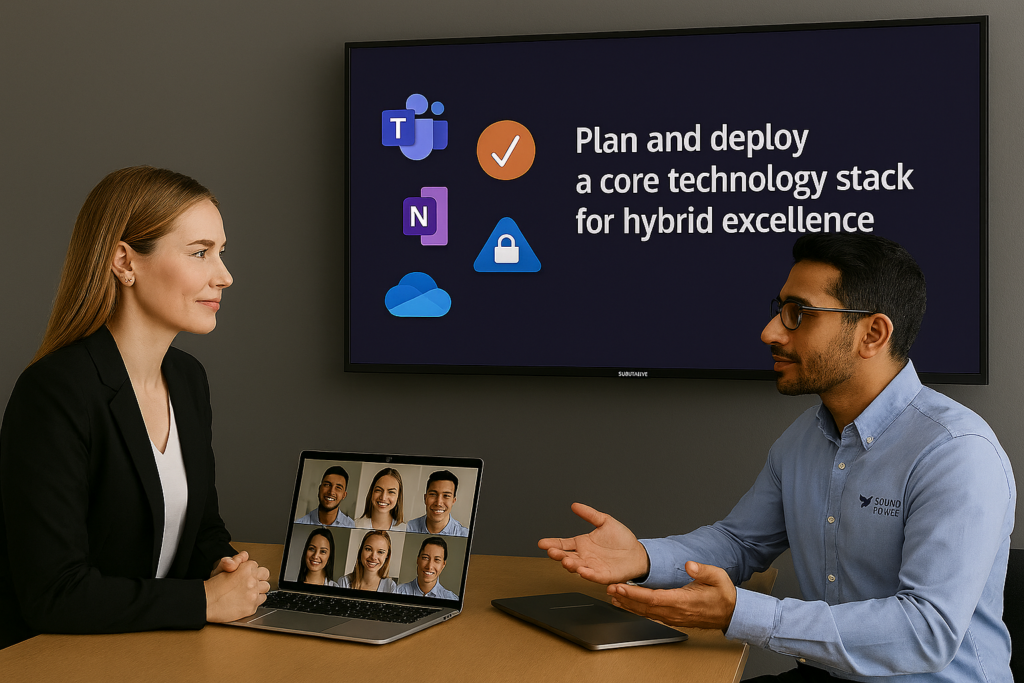
Hybrid work is here to stay, but hybrid success does not happen by accident. It depends on a technology stack that helps employees communicate easily, collaborate in real time, meet effectively from any location, and securely access the tools they need. Microsoft Teams brings together chat, meetings, calling, and room experiences in a single platform, while Microsoft Teams Rooms extends that experience into shared meeting spaces built for hybrid participation.
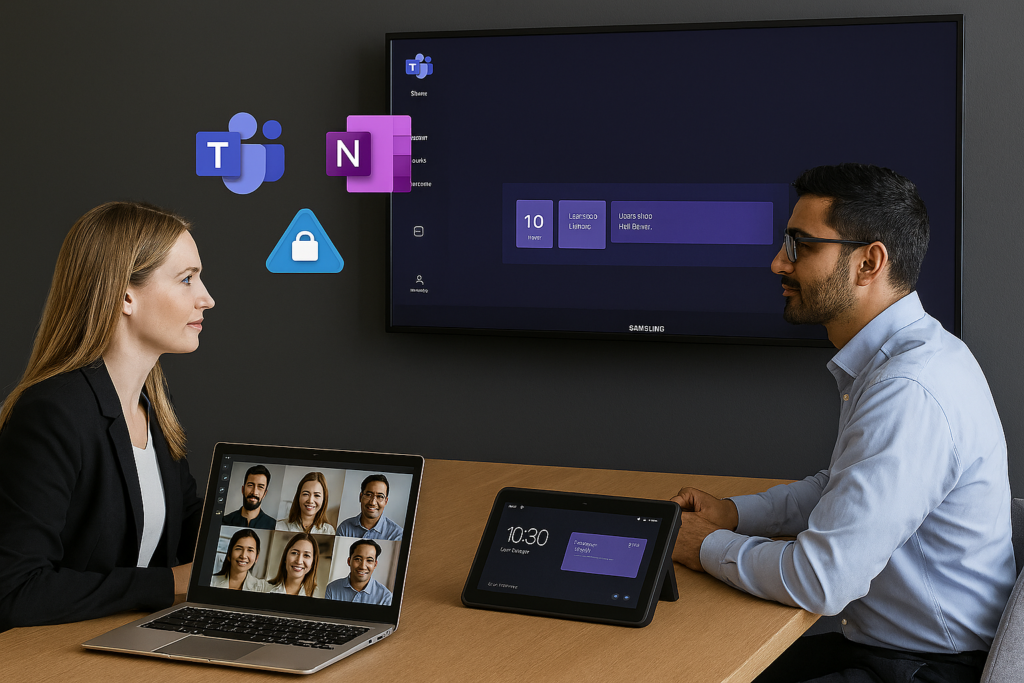
For organizations in Olympia, Lacey, Tumwater, and the greater South Puget Sound area, the goal is to create a workplace where technology feels effortless instead of disruptive. That starts with four essentials: unified communications, collaboration platforms, room technology, and identity and access management. When these elements are planned and deployed together, hybrid work becomes more productive, more secure, and far less frustrating.
Unified Communications: Video, Chat, and Voice in One Experience
Hybrid work moves faster when teams do not have to switch between separate tools for messaging, video meetings, and business calling. Microsoft Teams is designed to unify chat, channels, meetings, events, phone, and shared content so employees can move naturally from a quick message to a call to a full meeting without losing context. Microsoft Teams Phone also adds cloud calling capabilities that help organizations streamline voice communications within the same ecosystem.
In practical terms, unified communications reduce friction. Meetings start faster, conversations are easier to track, and files stay connected to the people and discussions that matter. Microsoft Teams Rooms extends this same experience into physical conference rooms with one-touch join, content sharing, multiple display options, and meeting controls designed for in-room and remote participants alike. Microsoft positions Teams Rooms as a flexible, intelligent meeting-room platform that is easier to deploy, manage, and secure across many room types and sizes.
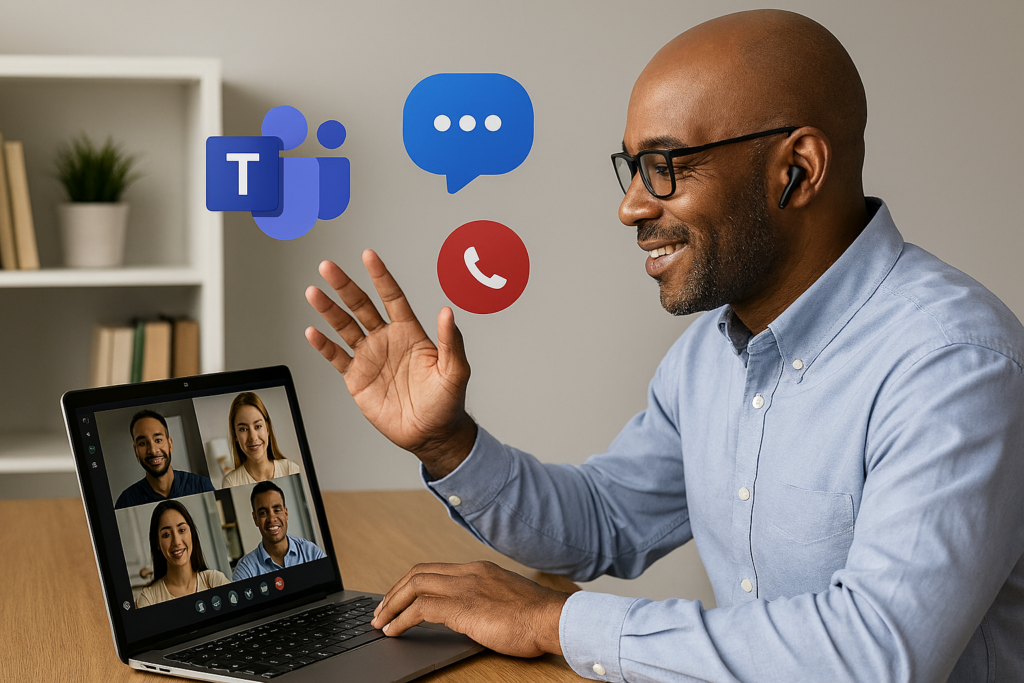
For companies this means fewer communication silos and a more consistent experience whether employees are in the office, working remotely, or splitting time between both.
Collaboration Platforms: Documents, Whiteboarding, and Shared Notes
Communication tools are only part of the stack. Hybrid teams also need a way to create, edit, and organize work together in real time. Microsoft 365 supports that collaboration model through shared files, co-authoring, and connected workspaces across Microsoft apps. Microsoft Loop is especially useful because Loop components can be used across Teams, Outlook, Word, Whiteboard, OneNote, SharePoint, and OneDrive, helping teams keep shared content current wherever they work.
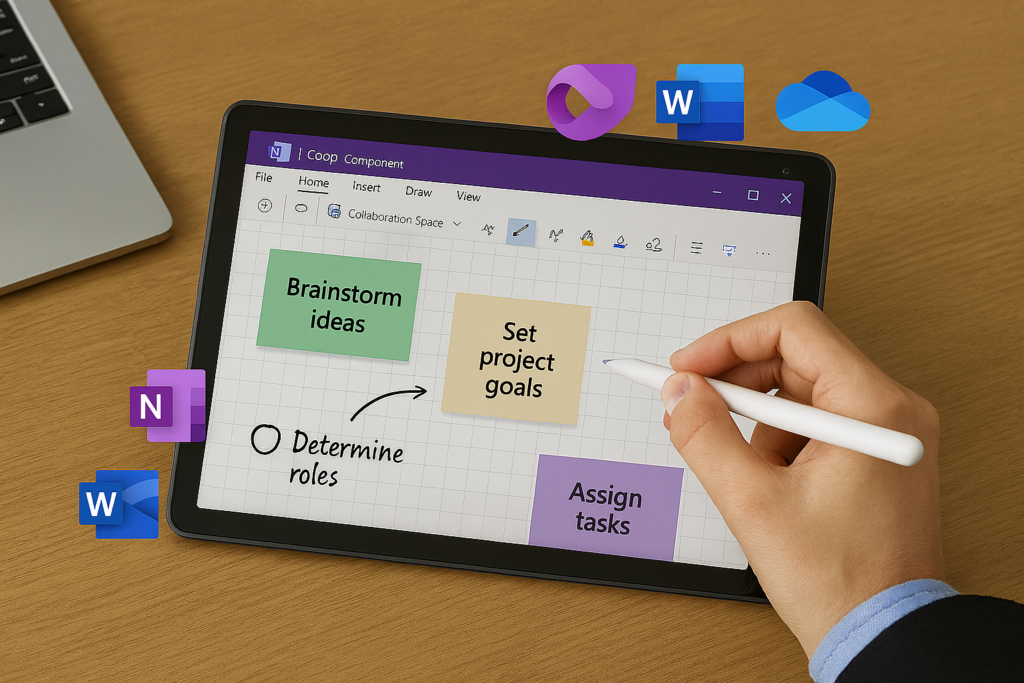
Microsoft Whiteboard remains a strong option for brainstorming and visual collaboration in hybrid meetings. Microsoft documents that Whiteboard on Teams Rooms supports collaboration both inside and outside scheduled meetings, making it easier for teams to sketch ideas, plan workflows, and work visually across locations.
It is also smart to mention Microsoft OneNote as a collaboration companion and, in many cases, an alternative to whiteboarding for teams that prefer structured notes over a free-form canvas. Because OneNote can work alongside Microsoft Loop and other Microsoft 365 apps, it can be a strong fit for shared meeting notes, project notebooks, process documentation, and collaborative planning when a team wants more structure than a digital whiteboard.
The takeaway is simple: hybrid collaboration works best when documents, notes, brainstorming, and follow-up tasks all stay connected. The right collaboration platform reduces version confusion, shortens feedback cycles, and helps distributed teams stay aligned.
Room Technology: Cameras, Microphones, and Displays That Support Real Meetings
Even the best software cannot overcome poor room design. If audio is inconsistent, cameras are poorly placed, or sharing content feels clumsy, the hybrid experience breaks down quickly. Microsoft Teams Rooms for Windows supports HD video, audio, content sharing, integrated or modular cameras, microphones, speakers, one or two external displays, touch consoles, and touch boards, giving organizations flexibility to build the right room for each space.

Samsung products can play an important role in that room experience. Samsung’s Flip Pro interactive display line is built for business collaboration and includes features such as multi-touch interaction, USB-C connectivity, versatile input options, and support for video call applications. In the right hybrid meeting room, a Samsung interactive display can give teams a more engaging space for annotation, collaboration, and visual work than a standard front-of-room monitor.
For businesses, the right room technology is not about installing the most hardware—it is about sizing the room correctly and creating a dependable experience. A huddle room, training room, conference room, and executive boardroom all have different needs. The best hybrid rooms are easy to walk into, easy to start, and easy to trust.
Identity and Access Management: Secure Access Without Unnecessary Friction
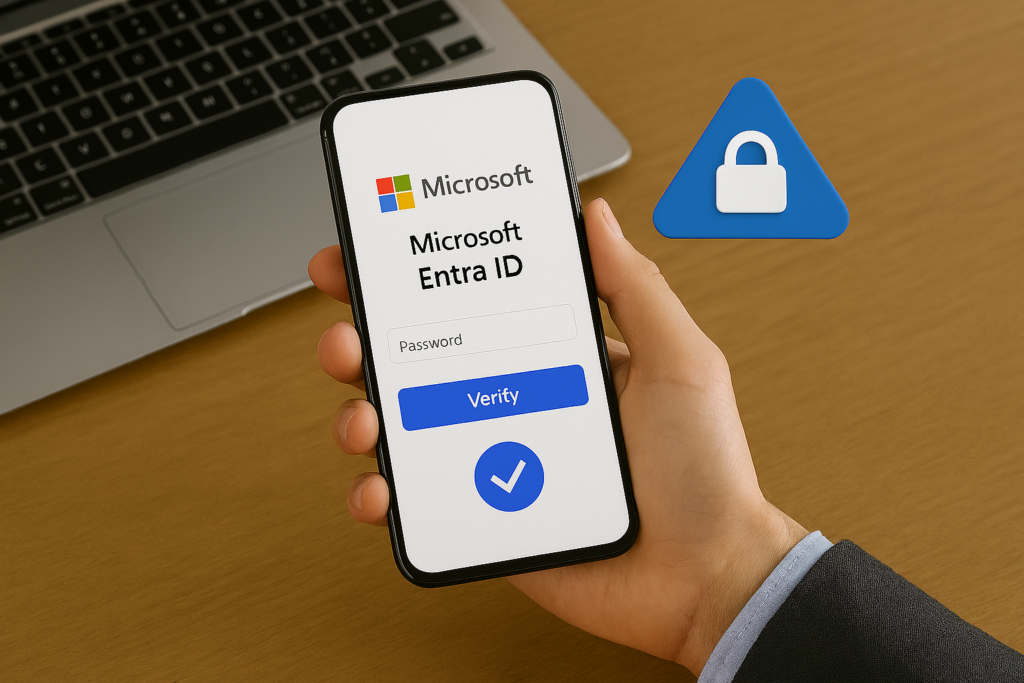
A reliable hybrid workplace also depends on secure, well-managed access. Microsoft Entra ID is Microsoft’s cloud-based identity and access management solution for managing identities and controlling access to apps, data, and resources. It also supports single sign-on (SSO), which allows users to sign in once and access Microsoft apps and many other cloud or on-premises applications more easily.
For hybrid organizations, security must go beyond passwords alone. Conditional Access in Microsoft Entra evaluates signals such as user, location, device, application, and risk to enforce policy decisions like requiring multifactor authentication or blocking access when conditions are not met. Conditional Access is core to any Zero Trust policy helping organizations balance security with user productivity.
That matters for organizations because hybrid work expands the number of locations, devices, and connection points involved in daily operations. Proper identity and access management helps ensure employees can work securely from anywhere without creating unnecessary complexity for users or IT.
Why a Local Olympia MSP Matters
Technology choices are only part of the equation. Hybrid success also depends on planning, implementation, governance, support, and user adoption. Sound Power Solutions is an Olympia-based technology managed service and software development firm with experience in Microsoft 365, Microsoft Azure, office IT environments, systems integration, managed application services, and technology roadmap development.
For organizations in Olympia, Lacey, Tumwater, and the greater South Puget Sound area, a local MSP such as Sound Power Solutions can help evaluate current tools, align Microsoft licensing and collaboration capabilities, improve room design, integrate Samsung displays where appropriate, and strengthen identity and access controls. Sound Power Solutions can also help support the environment after deployment so hybrid tools stay reliable as business needs evolve.
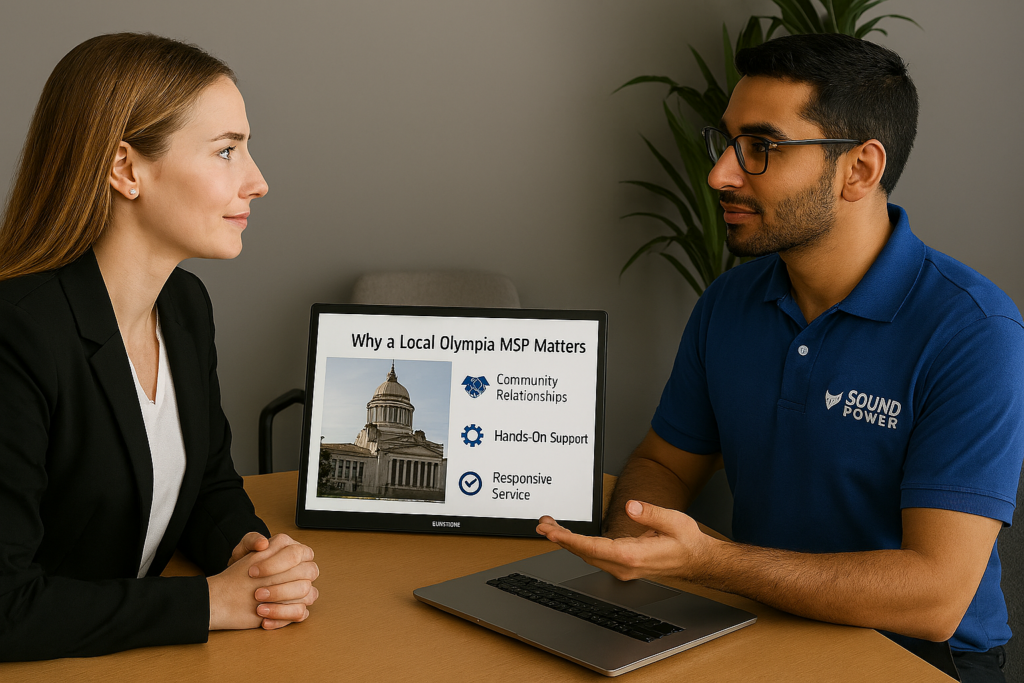
Working with a local partner means businesses do not have to piece together hybrid work strategy from disconnected vendors and one-off purchases. Instead, they can build a practical, supportable environment that fits both their people and their office footprint.
The Core Takeaway
Hybrid success depends on frictionless, reliable technology. When unified communications, collaboration tools, room technology, and identity controls work together, employees can focus on productive work instead of technical workarounds. Microsoft Teams, Teams Rooms, Microsoft Whiteboard, Microsoft OneNote, Microsoft Entra ID, and Samsung interactive displays can all play a role in building that experience when they are implemented with the right plan and ongoing support.
For businesses in Olympia and the greater South Puget Sound region, hybrid excellence is not just about enabling remote access—it is about designing a technology environment where communication, collaboration, meetings, and security all work together smoothly. That is the stack that makes hybrid work sustainable.
Learn more about how your organization can benefit from a fully managed technology stack geared towards hybrid and productive collaboration contact us or book a free consultation today!