
9:47 AM

Hybrid work has given teams more flexibility—but it has also created a new problem: meeting overload.
For many organizations, the default answer to uncertainty is still, “Let’s schedule a meeting.” That might feel collaborative, but it often creates the opposite result: fragmented calendars, fewer focus blocks, slower decisions, and exhausted teams. Atlassian’s 2024 research found that 5,000 knowledge workers across four continents ranked meetings as the number one barrier to productivity, and 76% said they feel drained on days with lots of meetings. Microsoft’s Work Trend Index has also continued to track how digital work patterns, meetings, and notifications are reshaping the modern workday.
The solution is not to eliminate meetings altogether. Some conversations absolutely need real-time discussion. The opportunity is to be more intentional: use meetings for the work that truly requires simultaneous collaboration—and move the rest to asynchronous workflows.
At Sound Power Solutions, we believe workplace technology should make collaboration easier and then get out of the way. Asynchronous work is one of the most practical ways to make that happen.
What Is Asynchronous Work?
Asynchronous work means collaboration does not have to happen at the same time for everyone. Instead of gathering the whole team into a live meeting, people share updates, decisions, questions, and feedback in a place others can review and respond to when they are ready.
GitLab describes async work as doing as much as possible with the information available, documenting everything, transferring ownership clearly, and then moving on to other work. That approach is especially valuable for hybrid teams, distributed teams, and organizations working across locations, shifts, or time zones.
Async is not slower work. Done well, it is often faster—because work keeps moving without waiting for everyone’s calendar to line up.
When Async Beats Real-Time Collaboration
Real-time collaboration is best when the work requires rapid discussion, nuance, relationship-building, conflict resolution, or creative energy. Examples include strategic workshops, sensitive personnel conversations, high-stakes client discussions, incident response, and complex brainstorming.
But many common meetings do not need to be live. Status updates, routine project check-ins, approval requests, document reviews, policy feedback, agenda planning, and decision prep are often better handled asynchronously. Atlassian specifically identifies status updates as one of the easiest meeting types to replace with async collaboration through task comments, shared documents, and recorded updates.
A useful rule of thumb:
Meet when conversation creates value. Work async when information transfer is the goal.
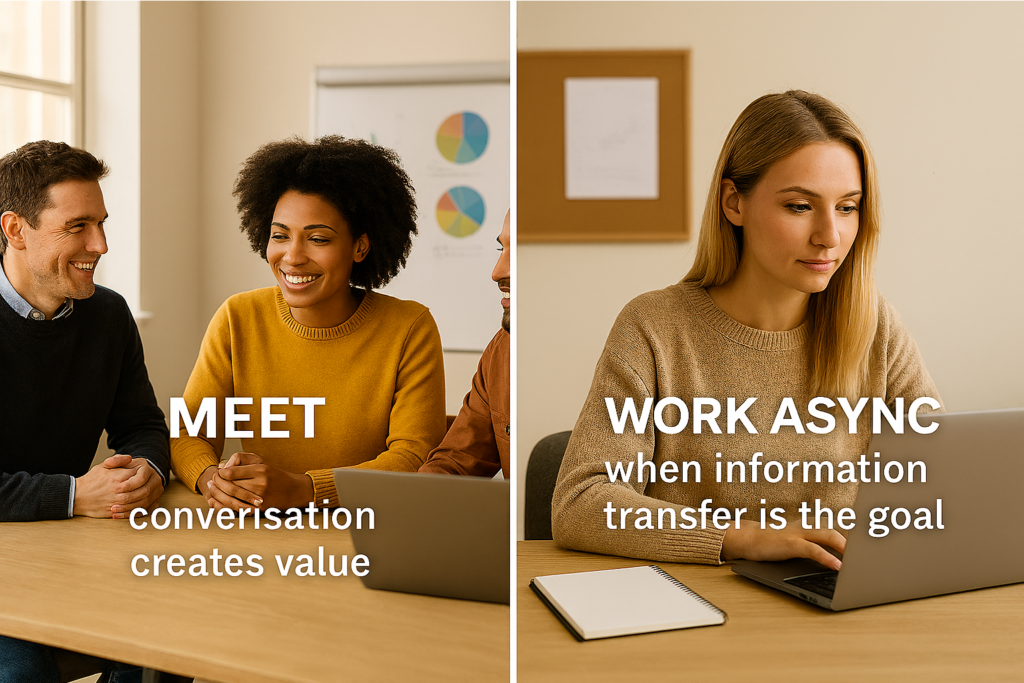
If the purpose of a meeting is simply to say what changed, what is blocked, or what needs review, that information should usually live in a shared system—not disappear into a calendar event.
Tools for Async Updates, Decisions, and Feedback
The right tools make async work simple. The wrong tools create another layer of noise.
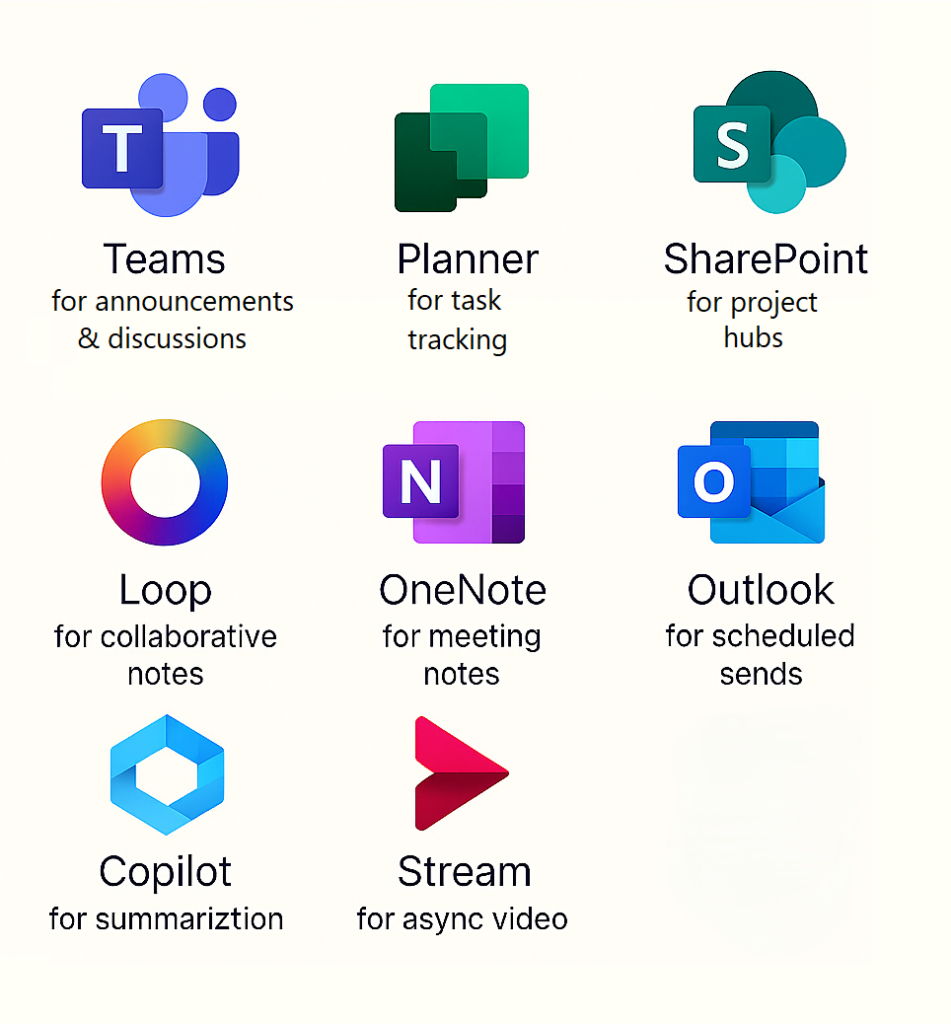
For many SMBs, the best async environment is already inside Microsoft 365. Teams, SharePoint, OneDrive, Planner, Loop, Outlook, OneNote, and Copilot can support a practical async operating model when configured intentionally. Microsoft’s 2024 Work Trend Index found that AI users report benefits such as saving time, focusing on important work, and being more creative, which reinforces the value of using digital tools to reduce busywork rather than add more interruptions.
Examples of async tools include:
- Microsoft Teams channels for project updates, announcements, and threaded discussions.
- Planner or Microsoft Project for task ownership, status tracking, deadlines, and blockers.
- SharePoint pages for project hubs, process documentation, decision logs, and internal knowledge bases.
- Microsoft Loop components for lightweight collaborative notes, task lists, and decision briefs that stay current across apps.
- OneNote for team notebooks, meeting notes, research, and shared operating procedures.
- Outlook scheduled send for respecting time zones and avoiding after-hours pressure.
- Teams meeting recordings and recaps for people who cannot attend live.
- Copilot for summarizing long threads, meetings, documents, and action items.
- Async video tools such as Microsoft Stream or Loom for short walkthroughs, demos, or leadership updates when tone and context matter.
- Forms or polls for gathering input before a decision meeting or replacing a meeting altogether.
The goal is not tool sprawl. In fact, Sound Power Solutions has consistently emphasized that integration beats disconnected technology, and that SMBs need strategy and roadmaps—not just more tools
Build a Documentation-First Culture
Async work only succeeds when information is easy to find.
That means documentation cannot be an afterthought. A documentation-first culture captures decisions, processes, project context, ownership, and lessons learned in shared locations. It prevents knowledge from living only in meetings, inboxes, or someone’s memory.
GitLab’s remote-work model is built around a “handbook-first” approach, where information is documented so people can contribute across locations and time zones without constantly needing real-time access to coworkers. McKinsey’s interview with GitLab also highlights the value of systems that allow employees to consume information and contribute regardless of level, function, or location.
For most organizations, documentation-first does not need to be complicated. Start with a simple standard:
- Every recurring meeting has a page or workspace.
- Every project has a current status, owner, timeline, and decision log.
- Every important process has a documented “how we do this.”
- Every major decision includes the reason behind it.
- Every system has a clear source of truth.
Documentation is not bureaucracy. It is operational memory.
Respect Time Zones and Focus Time
Hybrid teams often include people working from different offices, homes, schedules, and time zones. When every update becomes a meeting, someone pays the price—early mornings, late evenings, interrupted focus time, or constant context switching.
That cost adds up. Microsoft research on meeting fatigue found that back-to-back virtual meetings increase stress, while short breaks help people reset and improve focus and engagement. GitLab also points out that async work removes time zone barriers and allows team members to move work forward without waiting for everyone to be online at the same time.
Respecting time means setting team norms:

- Define core collaboration hours.
- Avoid scheduling across lunch, commute, or family-care blocks when possible.
- Use “schedule send” instead of creating after-hours pressure.
- Protect focus blocks for deep work.
- Record meetings and summarize decisions for those who cannot attend.
- Make attendance optional when a written update is enough.
This is especially important for leaders. A team’s meeting culture usually reflects leadership expectations. If leaders reward responsiveness at all hours, employees will stay reactive. If leaders model async updates, clear documentation, and protected focus time, the team gets permission to work smarter.
Protect Focus Time Like a Business Asset
Hybrid teams need collaboration, but they also need uninterrupted time to think, build, write, analyze, troubleshoot, and make progress. Focus time should not be treated as leftover calendar space. It should be protected intentionally.
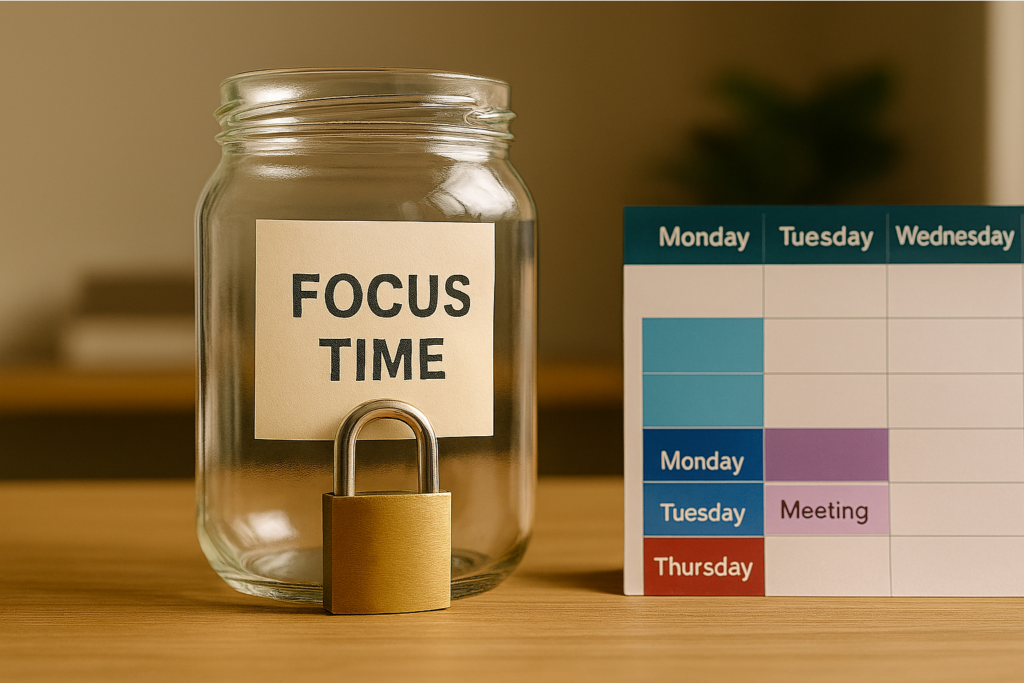
Microsoft research on meeting fatigue found that back-to-back virtual meetings increase stress, while short breaks help people reset and improve focus and engagement. Atlassian’s research also found that meetings are a major barrier to productivity and that heavy meeting days leave many workers feeling drained.
Ways to protect focus time include:
- Create meeting-free blocks such as “Focus Fridays” or daily 90-minute deep-work windows.
- Use shorter meeting defaults such as 25-minute and 50-minute meetings to create transition time.
- Set core collaboration hours so teams know when live conversations should happen.
- Use async updates before scheduling meetings so live time is reserved for decisions, not status reporting.
- Block focus time on calendars and treat those blocks as real commitments.
- Use Teams status and quiet hours to reduce interruptions during deep work.
- Batch messages and email review instead of responding to every notification immediately.
- Use scheduled send when working outside someone else’s normal hours.
- Require agendas and desired outcomes before accepting recurring meetings.
- Cancel or convert meetings when the purpose is informational rather than collaborative.
- Record meetings and summarize decisions so attendance is not required just to stay informed.
- Review recurring meetings quarterly and remove anything that no longer creates value.
A simple leadership habit can make a big difference: before scheduling a meeting, ask, “Is this worth interrupting everyone’s focus time?”
A Simple Async Decision Filter
Before scheduling the next meeting, ask five questions:
- Is a decision needed, or is this just an update?
- Does everyone need to be present at the same time?
- Could this be handled with a written brief, task comment, or recorded update?
- What information should be documented before discussion?
- What outcome will justify interrupting everyone’s focus time?
If the meeting still makes sense, schedule it. But make it purposeful: clear agenda, right attendees, documented outcomes, and action items assigned before everyone leaves.
Hybrid Work Teams win by Working Smarter
Asynchronous work is not about avoiding people. It is about respecting people’s time, attention, and ability to do meaningful work.
Meetings are expensive. Focus is valuable. Documentation compounds. Good tools should reduce friction, not create more of it.
For hybrid teams, async work is a superpower because it creates clarity without constant interruption. It helps decisions move forward, gives people time to think, supports different schedules, and keeps work visible across the organization.
Hybrid teams win by working smarter—not meeting more.


